Add a customer and job
Every extra belongs to a customer and a job (project). Setting each one up takes under a minute, and you reuse them for every later extra -- a customer with several active sites just gets a separate job for each one.
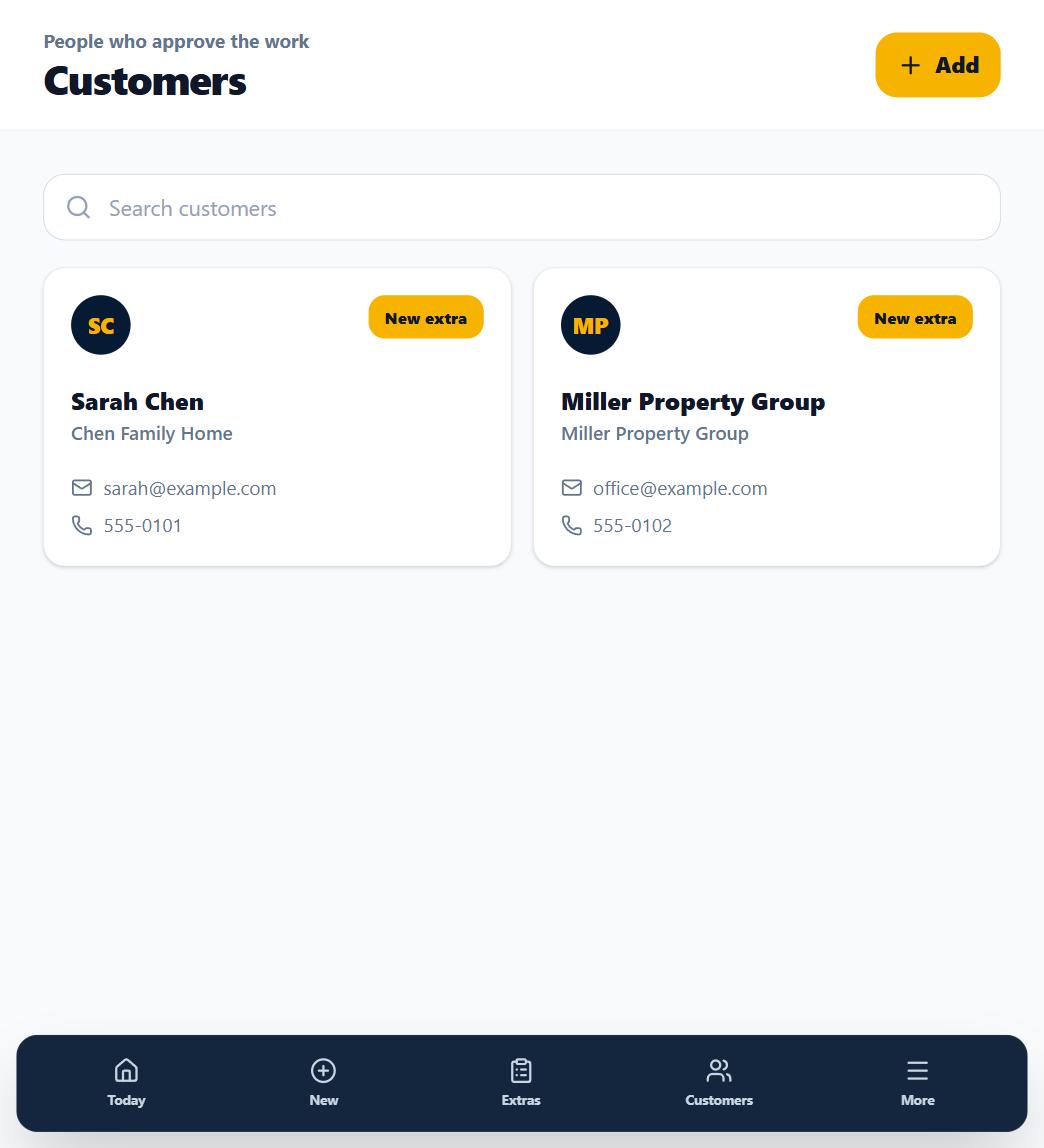
1. Open Customers
From the sidebar (or the Customers tab on your phone), open the Customers screen.
2. Add the customer
Tap Add customer and enter their name. Company, email, and phone are optional -- but an email or phone number makes sending approval links faster later.
3. Add the job
Jobs are added from the Projects screen in the sidebar -- or inline, right when you capture an extra: pick the customer in New Extra's "Who is this for?" step and a + New project button appears. Either way it is just a job name and, optionally, the site address. Extras are grouped under jobs so a customer with three active sites stays organized.
What happens next
The customer and job now appear in the New Extra picker, so field capture is a two-tap selection instead of typing.