Add photo evidence to an extra
A photo of the rotted joist before it is covered up ends most scope arguments before they start. Each extra can carry photo evidence with captions.
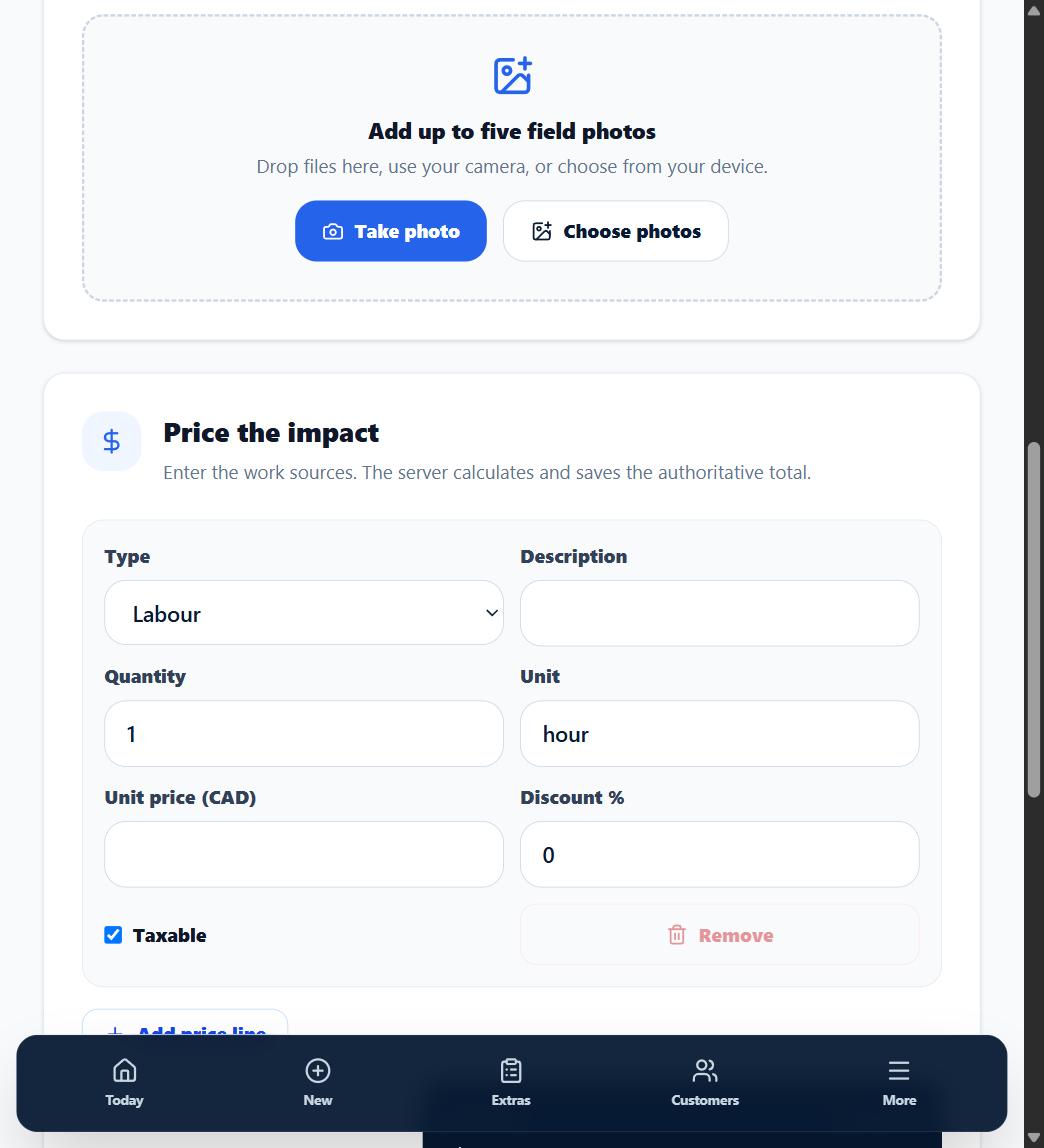
1. Attach photos while capturing
In the New Extra flow, add up to 5 photos. Each photo can be up to 15 MB, in JPEG, PNG, WebP, or HEIC format -- what phones produce by default.
2. Caption each photo
A one-line caption ("Water damage behind the vanity, found during demo") turns a picture into evidence. Captions appear alongside the photo.
3. Order them
Reorder photos so the story reads top to bottom -- condition found, cause, what has to happen.
What happens next
Every photo you attach appears on the approval page next to the price. There is no private or internal-only photo in OuttaScope -- if you attach it before you send, your customer sees it.