Every status, explained
Each extra carries one live status. Here is every status you will see and what it actually means.
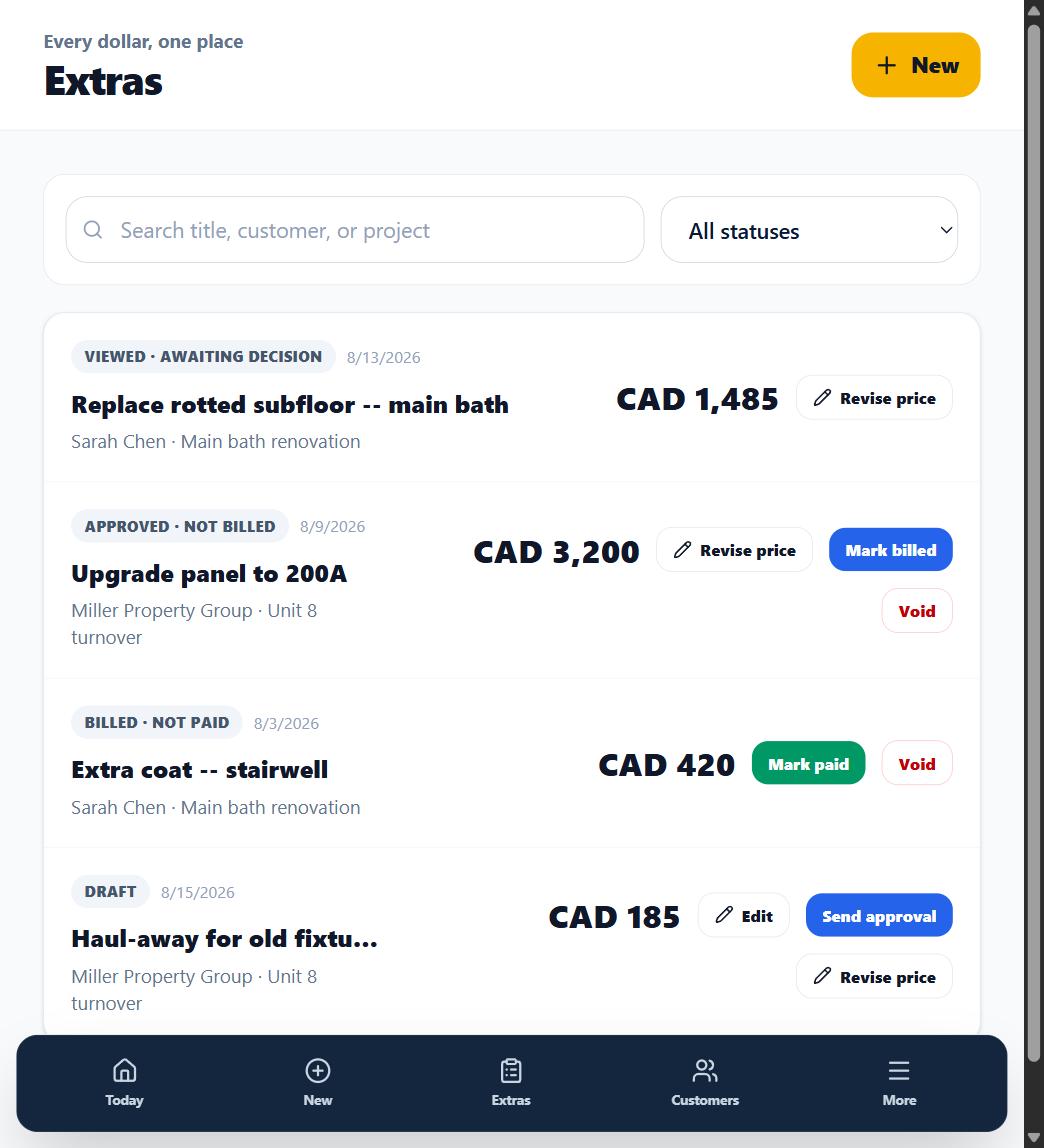
Draft
Captured but not sent. Only your workspace can see it -- your customer cannot. Edit freely.
Sent · awaiting view
An approval link was issued and the customer has not opened it yet.
Viewed · awaiting decision
Your customer genuinely opened the link. This is never simulated -- no open, no Viewed.
Expired · needs a new link
The active link reached its 14-day expiry with no decision recorded. The extra itself is untouched -- send a fresh link to continue.
Approved · not billed
The customer approved this exact price version. It is ready to go on an invoice. If they left a comment with their approval, it shows as Customer feedback too -- not only on a decline.
Billed · not paid / Paid
You marked it billed when it hit an invoice, and paid when the money arrived. These are your bookkeeping states -- OuttaScope does not move money.
Declined
The customer declined this price version. The decision and its timestamp are preserved. If they left a comment explaining why, it shows on the extra as Customer feedback -- right next to Revise price, so you can read what they said and send a corrected price without hunting for it in the proof report.
Revised · was approved / was declined, needs new decision
The price was revised after a decision. The status names whether the prior decision was Revised · was approved, needs new decision or Revised · was declined, needs new decision, so you know at a glance what the customer's last answer was. Either way, the old decision remains in history and the new price needs its own yes or no.
Voided
You wrote the extra off. It stops counting toward totals but stays on the record, and voiding can be undone from the Voided filter.
What happens next
Statuses drive the Reports screen's money pipeline: captured, approved, billed, paid.