Send an approval request
When an extra is ready, OuttaScope creates a private, single-use approval link for that customer that expires after 14 days. You choose how it reaches them.
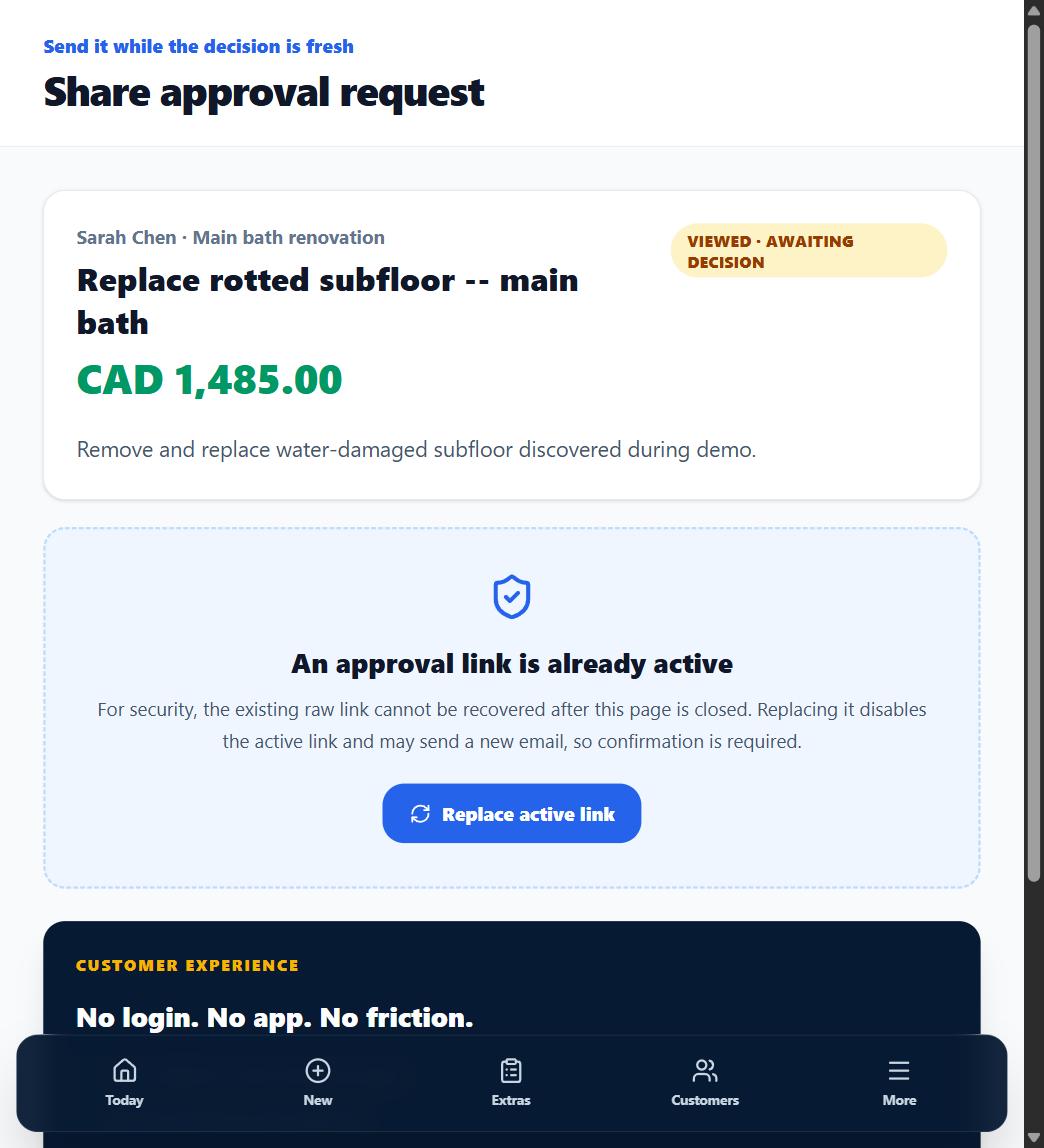
1. Send the request
From the extra, choose Send. OuttaScope creates the private approval link and, where email delivery is connected for your workspace, emails it to the customer directly.
2. Or share it your way
The same screen offers one-tap sharing: open your texting app with the link prefilled, open a prefilled email in your own mail app, or copy the link and send it through any channel your customer actually reads.
3. Know the link rules
The link expires after 14 days, records exactly one decision, and can be replaced. For security the raw link cannot be recovered after you leave the screen -- replacing it disables the old link and creates a fresh one.
What happens next
The extra's status moves to Sent · awaiting view, then Viewed · awaiting decision once your customer opens it.